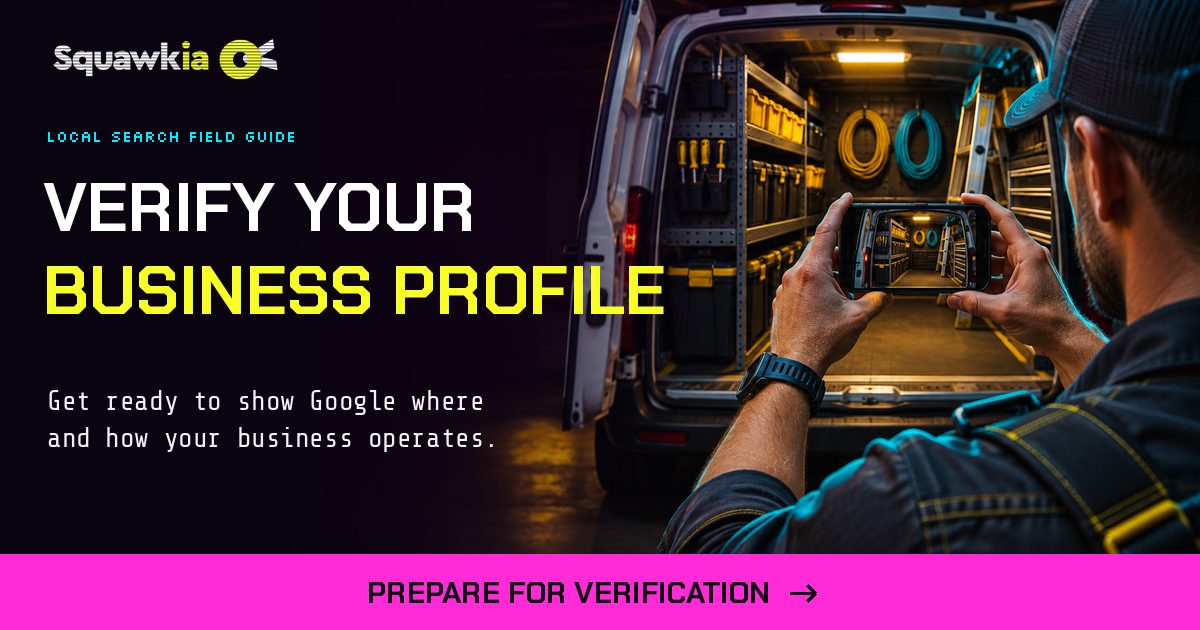
Google Business Profile verification is how Google confirms your business is real and that you run it. Until it’s done, your profile won’t show up properly on Google Maps. Google picks the verification method for you. For most home service businesses that means a short video recorded on your phone, and the review takes up to 5 business days, according to Google’s own help page.
Here’s how each method works, what the video has to show if you work out of a truck instead of a storefront, and what to do when Google says no.
The 5 ways Google verifies a business
You don’t get to choose. Google offers methods based on your business type, your public info, your region and your hours, and you can’t change the method it assigns.
- Video recording. You record one continuous video on your phone. When it’s offered, Google recommends this method.
- Live video call. A Google support rep walks you through a live call, and you show your location, your equipment and proof that you run the business. Calls only happen during your listed hours.
- Phone or text. Google calls or texts a code to your business number. An automated phone menu (IVR) can’t receive it, so use a line a person answers.
- Email. Google sends a code to an address shown on the verification screen.
- Postcard. Google mails a five-digit code to your business address. Most arrive within 14 days, and the code expires after 30.
How to verify with a video if you’re a service-area business
Plumbers, HVAC techs, electricians and pest control companies that go to the customer are service-area businesses. Google’s video rules for you are different from a storefront’s. Your video must show three things:
- Where you operate. Street signs, landmarks or other markers at your business address. If you work from home, film signs and landmarks in your immediate neighborhood. Avoid empty lots or spots with nothing to identify them.
- That the business exists. Your tools, equipment, products, workspace, business cards or branded shirts.
- That you run it. You doing a job, or opening something only the business can, like unlocking your branded van. A business permit, invoice or utility bill that matches your profile name also works.
Recording rules:
- Record live, from your phone, inside your Business Profile. You can’t record ahead of time and upload it later.
- One unedited take with no breaks, at least 30 seconds long.
- No bank account, tax or ID numbers on screen, no private info, and no other people’s faces.
Step by step:
- Open your Business Profile on your phone.
- Tap Get verified (add your phone number if asked), then Business video, then Next.
- Read the requirements, tap Next, then Start recording.
- Walk through all three proofs in one take, then tap stop.
- Watch it back. Tap Try again if anything is missing.
- Tap Upload video and wait up to 5 business days.
Plan your route before you hit record: start at the street sign, walk to the van, unlock it, and show your tools. One clean take beats three rushed ones.
What to do when verification fails
- You see “Review issues.” Your video was rejected. Tap Review issues and read the reasons. Then record a new video that shows everything from the first one plus what was missing, and upload it.
- The “Get verified” button comes back. Google couldn’t fully verify you. Try again, or try another method if your profile offers more than one.
- Google asks for more info. This usually follows a recent change to your name, address or category. Tap Get verified and give them what they ask for.
- Your postcard code won’t work. Editing your name, address or category after requesting a code breaks it. Requesting a new code cancels the one in the mail.
Two rules that save headaches: Google will never ask you for your verification code, and you shouldn’t share it with anyone, including whoever manages your profile. And make sure your business name, address and phone match everywhere before you verify. See local citations for how to keep them consistent.
> FAQ
Frequently Asked Questions
How long does Google Business Profile verification take?
Google says reviews take up to 5 business days, and occasionally longer. Postcard codes usually arrive within 14 days.
Can I choose my verification method?
No. Google decides which methods to offer based on your business type, public info, region and hours, and you can't change it. Some businesses are asked to verify with more than one method.
Can I verify a home-based business without showing my house?
Yes. A service-area business can film street signs and landmarks in the immediate neighborhood, then show tools, equipment or a branded van and something only the business can access.
How long does the verification video need to be?
At least 30 seconds, recorded live in one unedited take from your phone inside your Business Profile.
What should I do if my verification video is rejected?
Open your profile on your phone, tap Review issues, read the reasons, and record a new video that includes everything from the first plus what was missing.
Why didn't my postcard code work?
Codes break if you edit your business name, address or category after requesting one, and requesting a new code cancels the old one. Codes also expire after 30 days.
Will Google ever call and ask for my verification code?
No. Google will never ask for your code. Anyone asking for it is not Google.
Do I need to verify again after I change my business info?
Sometimes. Google often asks for more info after recent changes to your details. If Get verified appears again, follow the steps it shows.